

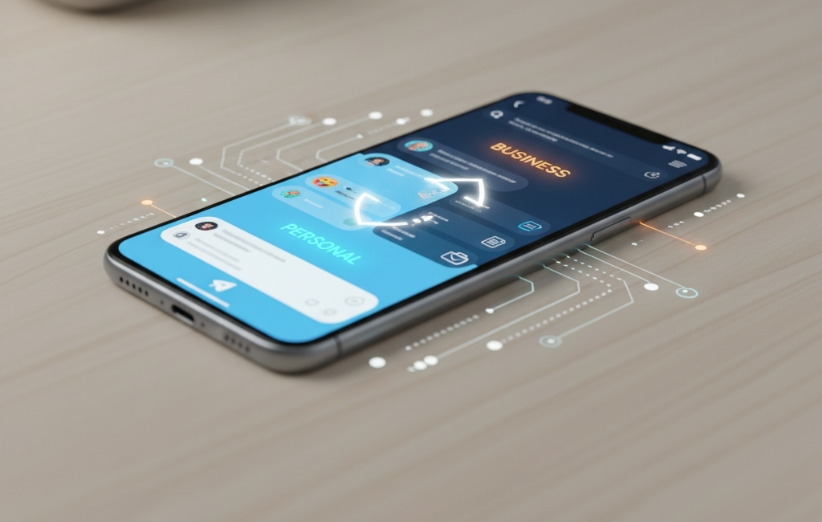
does telegram allow multiple accounts on one device? Yes. Telegram has built-in support for multiple accounts, so you do not need to install a cloned version of the app just to keep personal, work, or other Telegram accounts on the same phone.
How Many Telegram Accounts Can You Have on One Device?
Telegram lets regular users add up to three different accounts to one app. If you use Telegram Premium, the limit increases to four accounts.
You can keep those accounts signed in at the same time and switch between them without logging out.
For example, one device could contain:
- A personal Telegram account.
- A work account.
- An account used for a separate project or community.
A Premium user could add a fourth account as well.
Does Each Telegram Account Need a Different Phone Number?
Yes. Telegram treats each phone number as a separate account.
You cannot create three independent Telegram accounts using the same phone number. To add another account, you need another number that can be used to complete Telegram's login or registration process.
If you are considering a Google Voice number specifically, does google voice work with telegram? covers that separate question.
How Do You Add Another Telegram Account?
Telegram includes the option directly inside the app. The exact menu layout can vary slightly by platform and app version, but the process is generally:
- Open Telegram.
- Go to Settings or open the account menu.
- Choose Add Account or Add Another Account.
- Enter the phone number for the second account.
- Complete Telegram's verification process.
Once the account has been added, you can switch between your logged-in accounts from the account selector instead of signing out each time.
Are Chats and Notifications Kept Separate?
Yes. Each Telegram account remains its own account with its own chats, groups, channels, contacts, privacy settings, and account identity.
Adding multiple accounts to the same app does not merge their conversations. Switching accounts simply changes which Telegram account you are currently viewing.
Can You Use the Same Telegram Account on Multiple Devices Too?
Yes. This is a different feature from having multiple accounts on one device.
Telegram also lets the same account stay signed in on multiple devices. So you could have one Telegram account open on your phone, desktop, and another device while also having additional Telegram accounts available in the app.
That means:
- Multiple accounts on one device = different phone numbers and different Telegram accounts.
- One account on multiple devices = the same Telegram account logged in on several devices.
Do You Need a Cloned Telegram App?
No, not for the normal multi-account setup.
Telegram already provides account switching inside its official app, so installing a third-party clone simply to add a second or third account is unnecessary.
Using the built-in account feature also keeps account management simpler than maintaining separate cloned apps.
What Changes With Telegram Premium?
For this specific feature, the main difference is the account limit.
Standard users can add up to 3 accounts, while Telegram Premium users can add a fourth account to the app.
Premium applies to the account that has the subscription; subscribing one Telegram account does not automatically make every other logged-in account a Premium account.
The Simple Answer
does telegram allow multiple accounts on one device? Yes. Telegram officially supports multiple accounts in the same app. Regular users can use up to 3 accounts, and Premium users can add up to 4.
Each account needs a different phone number, but you can keep them logged in together and switch between them without logging out.